Picture Me!


Credits:
Background papers and elements from Raspberry Road's Sally Ann kit
Fonts are Century Gothic (title) and Angelina (journaling)

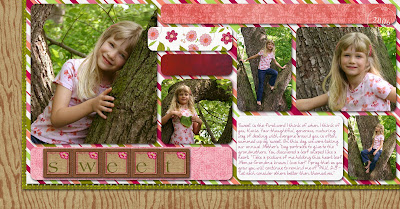
S always wants me to "picture" her whenever I take my camera out. She grabs a prop, tilts her head just so, then flashes me the SMILE.

Our Niece

I took quite a break from scrapbooking lately for a number of reasons. I ran out of room in my albums and need to purchase a ton of album supplies to fit everything I have done. Since I use Creative Memories albums, they are very high quality, but also cost a good bit. I also have been struggling to figure out how to organize my freebie stash. The stash is getting too large for my hard drive, so an external drive is getting to be an necessity. I did figure out that if I tag/keyword my files in Adobe Bridge I can just use Spotlight to find all my files easily. Tagging thousands of files takes a bit of time, though. :-)

So here's the newest layout. We were so excited to reconnect with a niece of ours that we hadn't seen since she was an infant. Pete and I were talking on our way home about how our niece had totally stolen our hearts. We fell in love with her Saturday afternoon, and are looking forward to spending more time with her in the future.

Credits:
All papers and elements are from Summer Driggs' Beautimous kit
Fonts are Pharmacy (title) and Dakota Handwriting (journaling)

Aviation Museum

While waiting for the Creation Museum to open on Monday, we filled our time Sunday with a trip to Lexington, KY. Part of our tour group went to the KY Horse Park, and the other part went to the KY Aviation Museum. The docent, Mr. Peters, was extremely friendly, helpful, and patient with the kids' questions and attention spans. At the end of our personal tour, Mr. Peters allowed each of the kids to fly the flight simulator. He led them through a pre-flight safety check, take-off, airborne manuevers, and then landing. It was a lot of fun!

Credits
Green ricrac: Digitreat's Run ABC collection
Remaining papers and elements: Lisa Minor's Run ABC add-on

Kitty Saga

Our stray kitty did find a home much to the dismay of our kiddos. Here's the layout I did chronicling the experience for the kids.

Credits: backgrounds and elements from Heather Roselli's From the Heart kit www.thedigichick.com
Stitchings were from a variety of creators


Birthday Pages

I caught up on a few birthday layouts over the weekend.

Rounding Corners in Photoshop Elements

I pulled out the digital corner rounder for this one, and cut away. I had to figure out a good way to round those corners, and I'm sure there are more ways to do it. I basically made a clipping path with the rounded rectangle tool, then placed the layer I wanted to crop on top of the rounded rectangle. After selecting the layer I wanted to crop, I pushed cntrl-G. To simplify further editing, I then selected both the cropped shape and the original layer and merged them together. It sounds complicated, but once you do it a couple of times, it goes pretty quickly.
Credits: inspiration - Page Maps by Becky Fleck (Aug 2006)
Tia Bennett's New Growth kit - alphas, flower print paper, and bottom 3 papers
Journaling font: CK Carefree
Kim Hill - paper under the title alphas
ScrapRaven - dark red paper
Shabby Princess - orangey red paper at the top

Penguin Layout

Credits:
Shabby Princess - alpha for "our"
Fonts - Darling (journaling) and Fishbowl (title)
Leah Riordan - all other papers and elements
Becky Fleck's Page Maps - inspiration for positioning everything

Vi-Lo-Lin

Font: Petra script
Chipboard action: Atomic Cupcake
Tearing action: Atomic Cupcake
Brass Staples: Atomic Cupcake - Brass Necessities
Papers & ribbon: Leah Riordan's Fall On kit

Breezy Spring Portraits Layout

I've been trying to catch up on some old pictures to get them into the kids' scrapbooks. Isn't Meister a cutey!

Credits:
Papers: Leah Riordan
Silver embellishments and chipboard action: Atomic Cupcake
Fonts: Brubeck AH and A Yummy Apology

Meister's Birthday Party

Credits:
Keys & Eyelets: Melony Violette
Background Paper: Shabby Princess
Gel Action for "5": Atomic Cupcake
Font: Architect

Pumpkin Page

Stayed up WAY too late last night working on this (1 a.m.). Once I got going, I just couldn't stop! Journaling reads: "Before you were born, Daddy wrestled with your nickname. He has always had a special name for K (Sweets), and so before you were born he settled on one for you (Sugar). Although you are awfully sweet, “Pumpkin” seemed so natural for you that the other nicknames were soon forgotten. Now even Meister calls you “Punkin”, and you recognize it just as easily as your regular name."

Credits
Page Maps by Becky Fleck: inspiration scheme
Peppermint Creative: yellow tag, eyelets
Shabby Princess: striped paper, frame, staples, red ribbon, red paper, alphas for "daddy"
Sandy D: orange paper
Atomic Cupcake: chipboard action for date tag and "pumpkin" title
Melany Violette: Natural bow


Christmas Portrait Ordeal

Here's the newest scrapbook layout. Journaling reads:
Ok, now everyone stay still and look at the camera. Miah, you need to look here. Meister, keep your tongue behind your teeth. K, please put the grass down, S is going to try to eat it. Whoever cooperates can have ice cream when we get home, OK? Meister, that means you can’t be fussy. Can someone put S’s hat back on? Miah, put your head up straight. MIAH! No goofy smiles! K, can you get S’s hand out of her mouth?

Credits
Fonts: Dupree, GeoSlab 703 XBd BT
Background Papers, trim, and metal elements: Debrra Tope at Oscraps
Glitter Stars: Shelle Pukas
Date Stamp: Katie Pertiet

Luckyology Layout

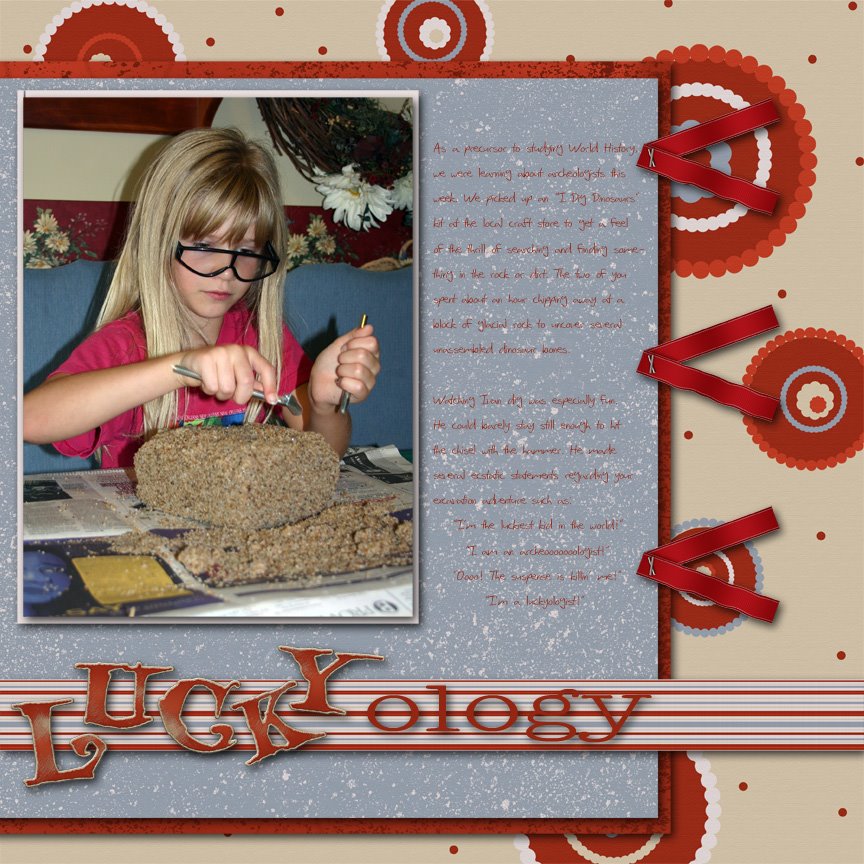
I wish I could figure out how to get these pictures next to each other here like they will be in K & V's scrapbooks, but for now you'll have to use your imagination. The top will be on the left, the bottom one on the right.

The journaling is pretty much cut and pasted from my last post. I'm finding that to be an added benefit to blogging about my pictures. Then when I'm ready to put them in a layout, the journaling was already done when the event was fresh in my memory.


Credits: Ribbons by Stacy Carlson (color was altered)
Papers by Rikki Donovan
Fonts are SF Scribbled Sans, Teletype, and Storybook
Chipboard Action by Atomic Cupcake

Ooops, just realized I forgot to put the date on these. I'll have to add it before I get them printed.

Muffin Man Layout


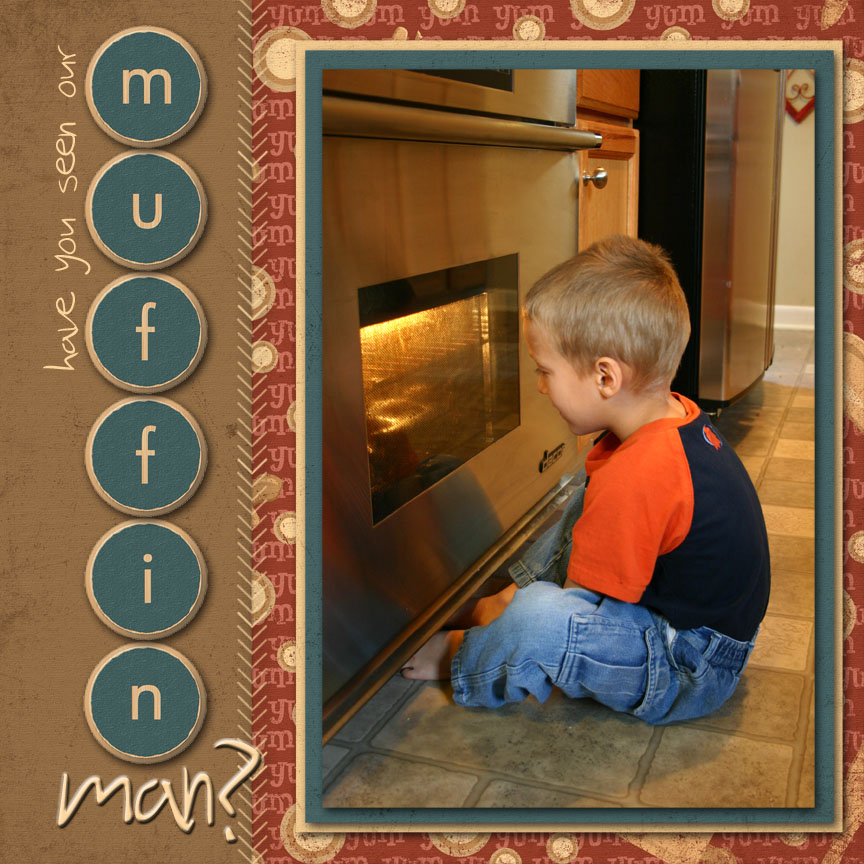
Credits: Papers & Embellishments - Atomic Cupcake; Font - SF Scribbled Sans

Plimoth Plantation

The kids were watching Fetch with Ruff Ruffman yesterday and saw a second-long clip of Plimoth Plantation. "Mom! We went there!" The look of excitement on their faces gave me the motivation I needed to pull out these photos from our summer vacation to Plymouth and do some scrapping.


Credits: Kit CinnamonTea by Miss Mint (this is a FREE download this month)
Fonts: Calligrapher and Primer Print

Pure Serenity

There were actually several versions of this layout before I got to one that I felt did justice to the portrait. I'm still working on the side that will be facing this page. I'm hoping to include some of the basic stuff we use during bathtime. It may be boring to us, but when S gets older she may enjoy seeing all the "antique" stuff we used.

Sources and credits:
Atomic Cupcake – background paper, duck, ribbon, safety pin
Katie Pertiet – fabric swatch brush, date stamp brush
Jackie Eckles – darker green grungy accent paper
Peppermint Creative – striped accent paper and stitching frame
Fonts – Petrascript, SF Foxboro Script

Text in a Path


On this layout, my new technique was the text around the silhouette. Photoshop Elements 4.0 does not have the ability to create lines of text that follow a path. So I asked my personal Photoshop expert (who happens to be the photographer in the layout) to create the text path for me. Once I opened the revised file back up in PSE, I was able to edit the font and text as needed.

K Scrapbooks Too


I ran across this scrapbook page that 7 year old K did a month or so ago. The whole idea was hers and hers alone. Can you tell that she wants to be an artist? Notice she even created a visual triangle with her three squares along the edges.

Cookie Cutter tool

Here is a layout that I've been working on for the last few days. One of my favorite aspects of digital scrapping is that I don't have to drag out any scissors, glue, papers, cutters, ect. whenever I have a few minutes to scrap. When I get interrupted I just minimize the Photoshop Elements (PSE) window and walk away. No mess.

Since I'm still just learning digital techniques, I try to find one new technique to try for each layout. This time I discovered the cookie cutter tool which I used to turn a regular 12"x12" polka dotted background paper into a strip with wavy edges on the top and bottom. There are a myriad of shapes that I could have chosen, and their sizes are all customizeable.

Title Font: D3 Spiralism with Atomic Cupcake's chipboard action
Journal Font: Arial
Fiber Knots: Atomic Cupcake
All the other elements and papers were created by Gina Cabrera of Digital Design Essentials